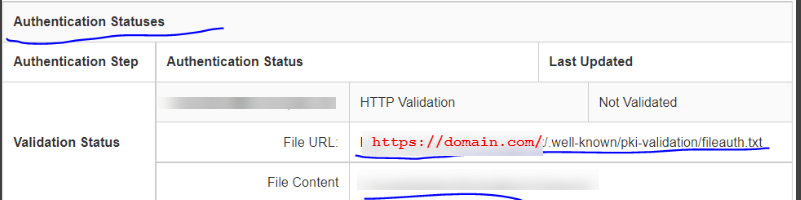
Paid SSL {Shared} Posted on October 15, 2021November 3, 2021 by greysca1 Go to Client Area >> Services >> My Services >> Manage (for SSL Service) >> Check Authentication Method.Authentication Methods are:Email– admin@yourdomain.com– administrator@yourdomain.com– webmaster@yourdomain.com– hostmaster@yourdomain.com– postmaster@yourdomain.com2. TXT3. Auth file. If the auth file is update, reinstall the SSL. Go to Cpanel >> AutoSSL >> Paste token >> check install. If still not working, contact SSL support.